The bible reader module adds the bible to your site. It includes a bible search so you can search for keywords as well.
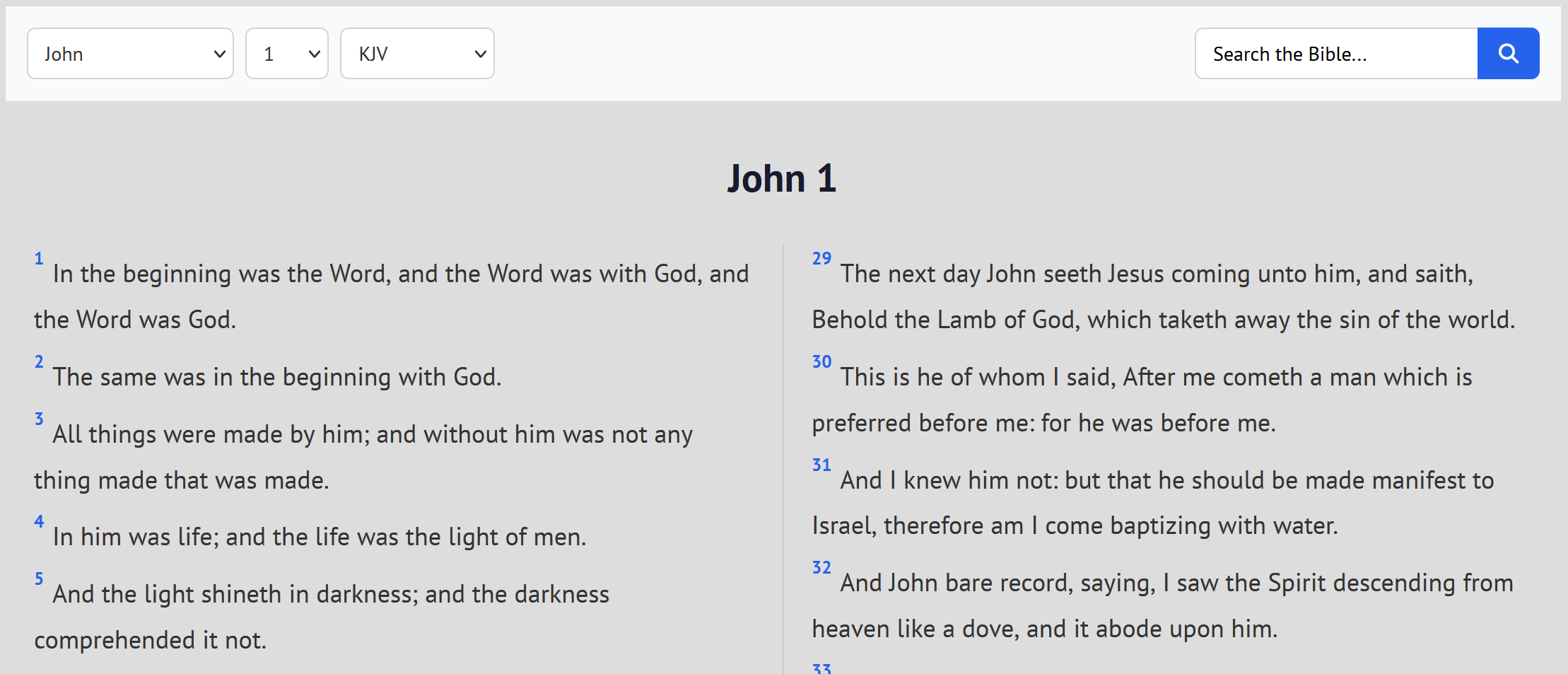
1
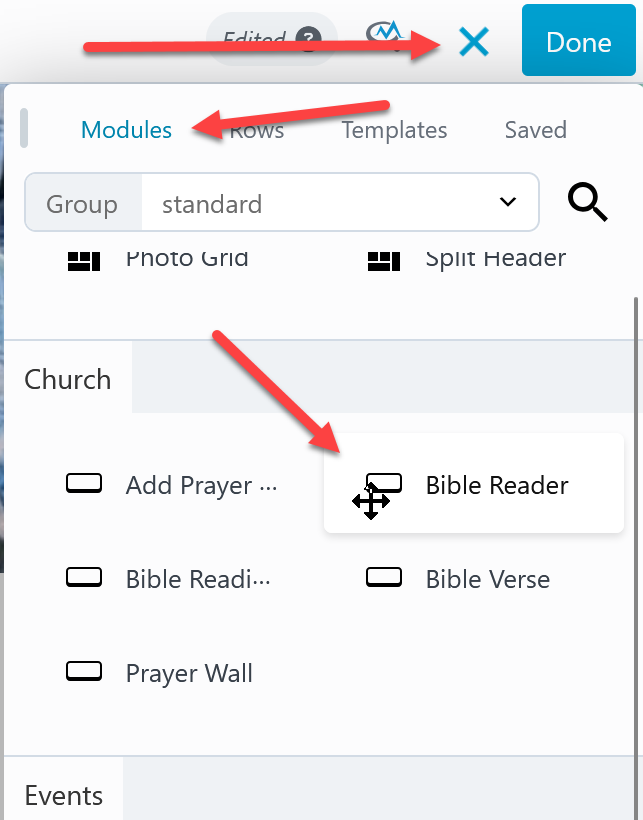
- Activate the page builder, click the + at the top right and look for Bible Reader (use the search or scroll down).
- Drag and drop the bible reader onto the page and drop it where you want the reader on the page.
2
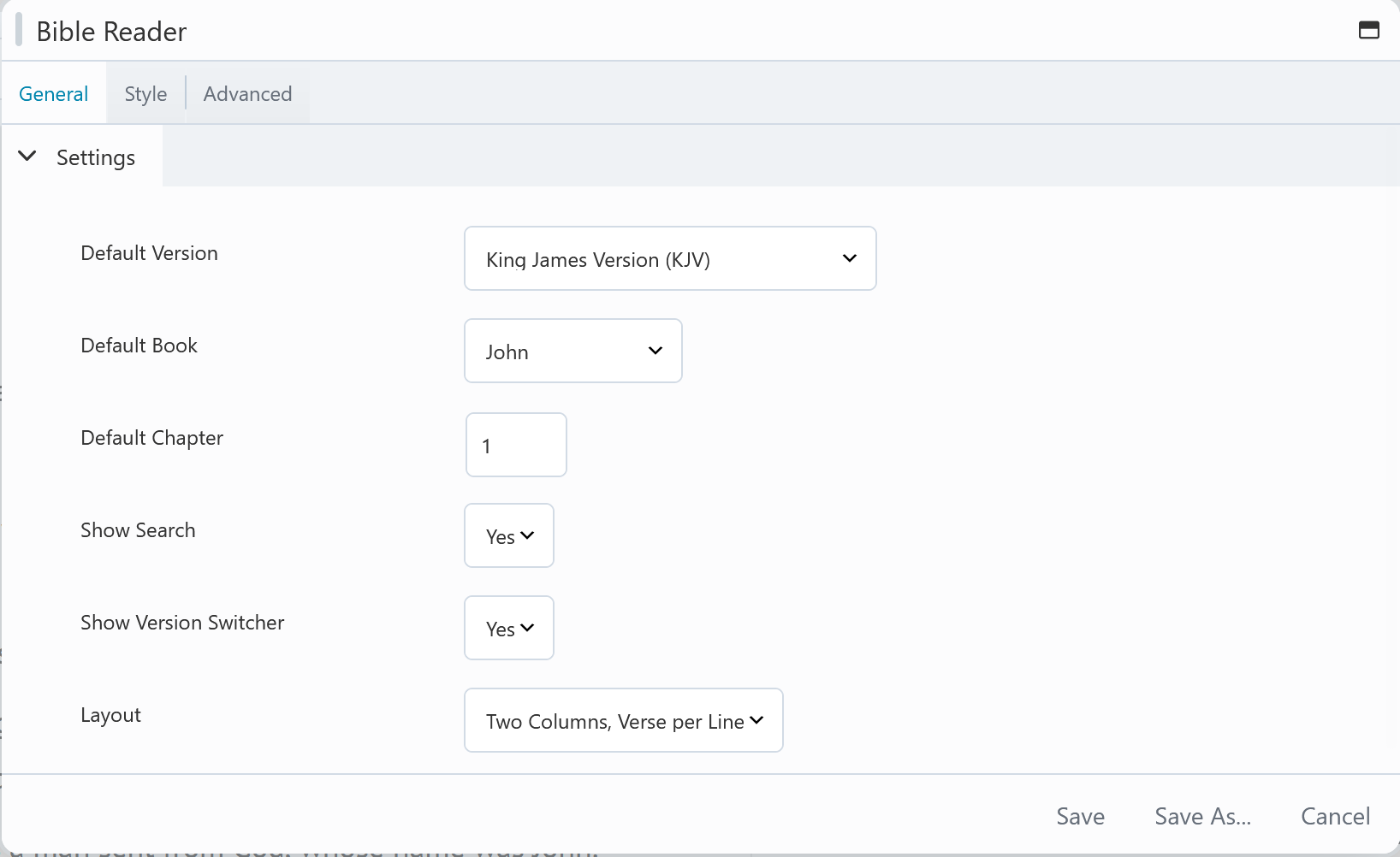
Looks over the settings on the general tab.
As with all modules click the style tab to edit all colors and font styles.

 Add your logo in the admin