The Bible verse module can display a single verse you choose, a random verse of the day as well as a random verse of the day that contains a keyword. For example, you could add a verse module on your giving page and have it show a random verse of the day that contains the keyword tithe.
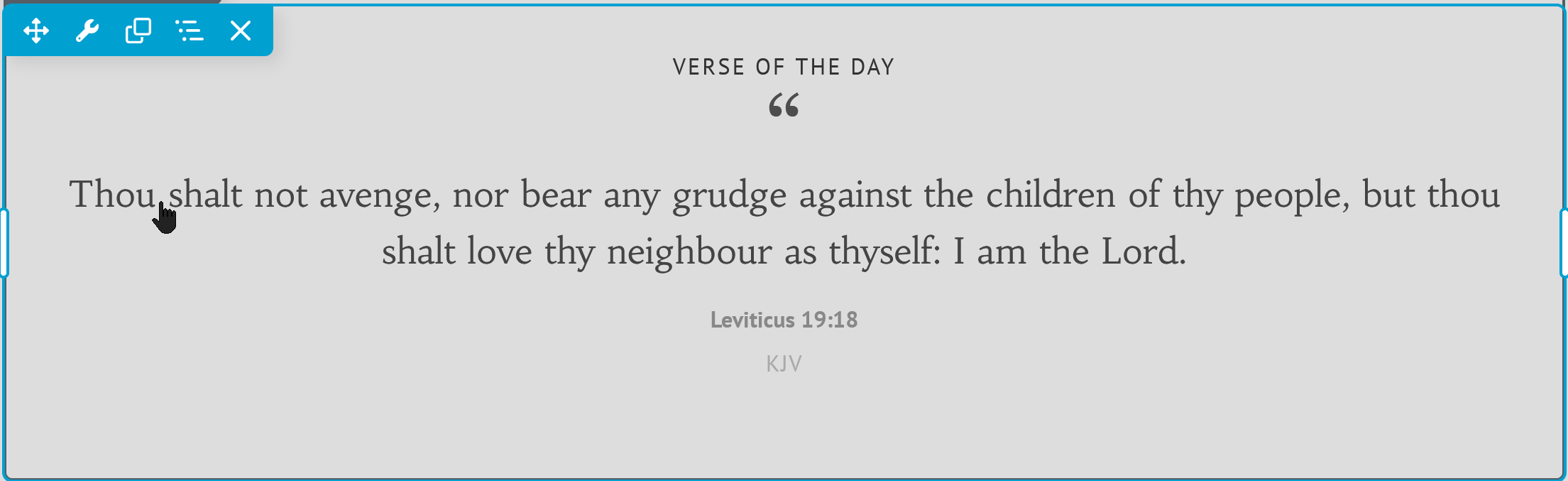
1
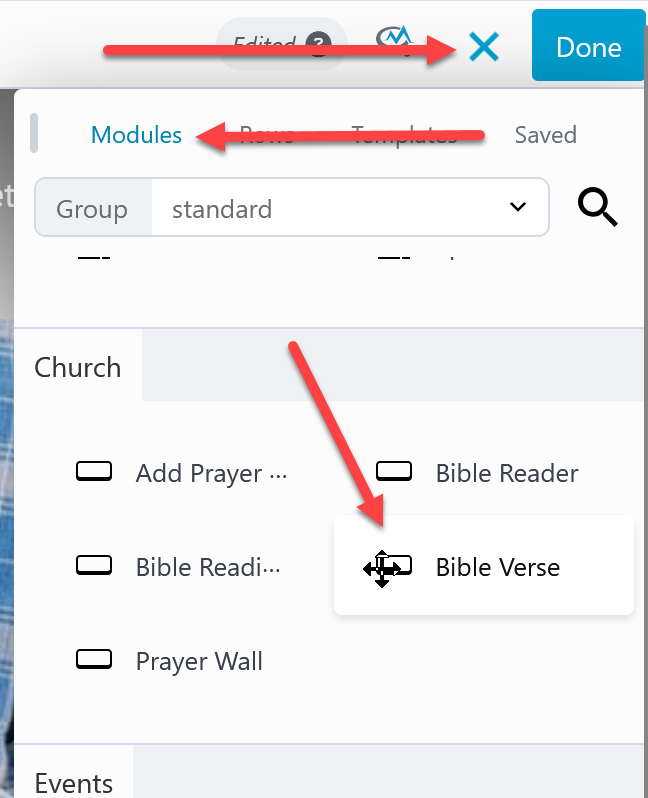
- Activate the page builder on the page then click the + at the top left.
- On the modules tab look for Bible Verse (scroll down or click the search at the top.
- Dag and drop it onto the page where you want the bible verse to show.
2
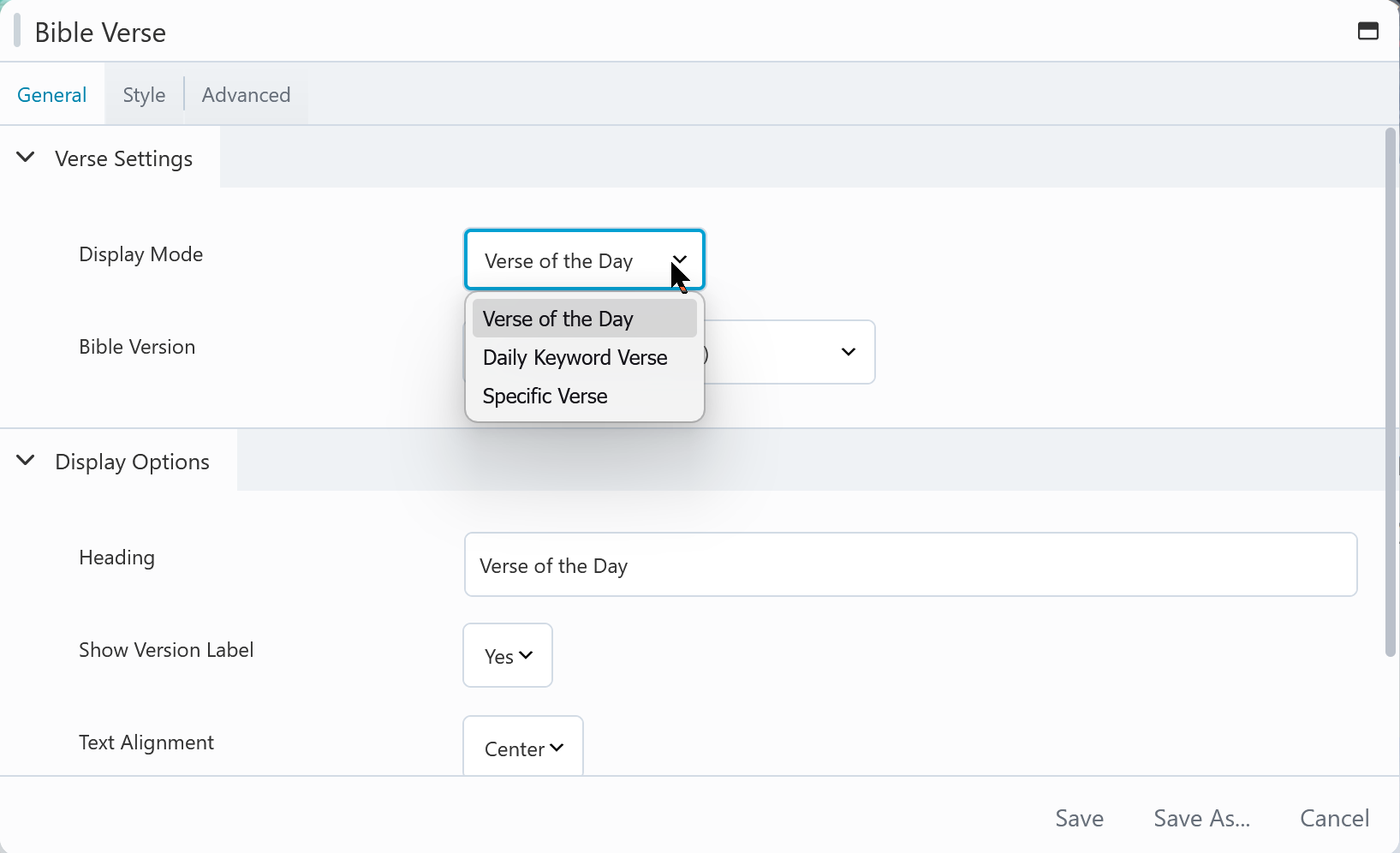
In the settings the first option is the display mode. This is where you choose verse of the day, daily keyword verse or specific verse. Then look over the other settings on the general tab.
Like all modules click the style tab at the top to change colors, font styles etc.

 Add your logo in the admin