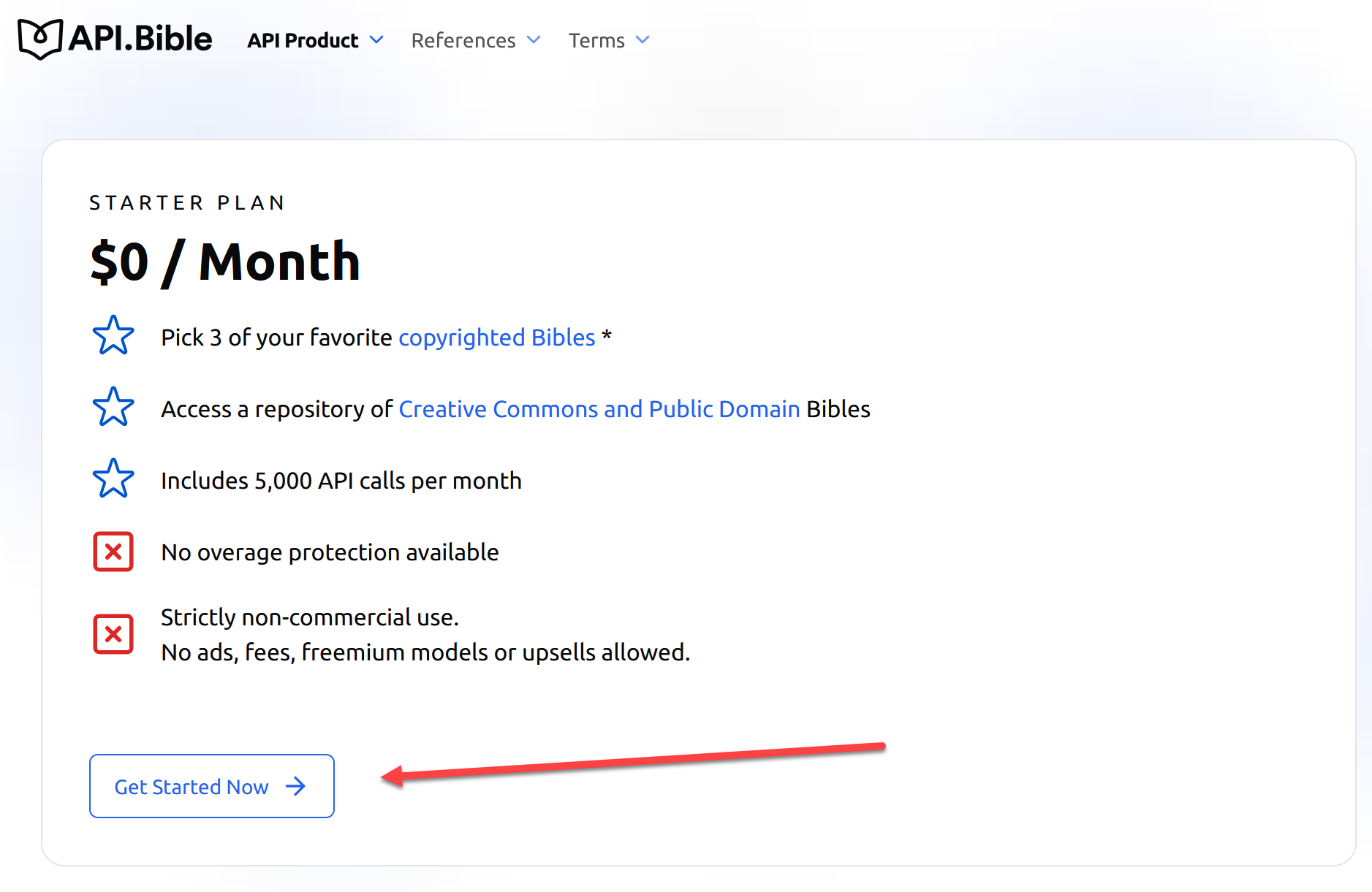
The copyrighted bible version are provided by api.bible. You can get a free API key to use up to three copyrighted versions.
Go to https://api.bible/sign-up
Signup and they will give you an API key,
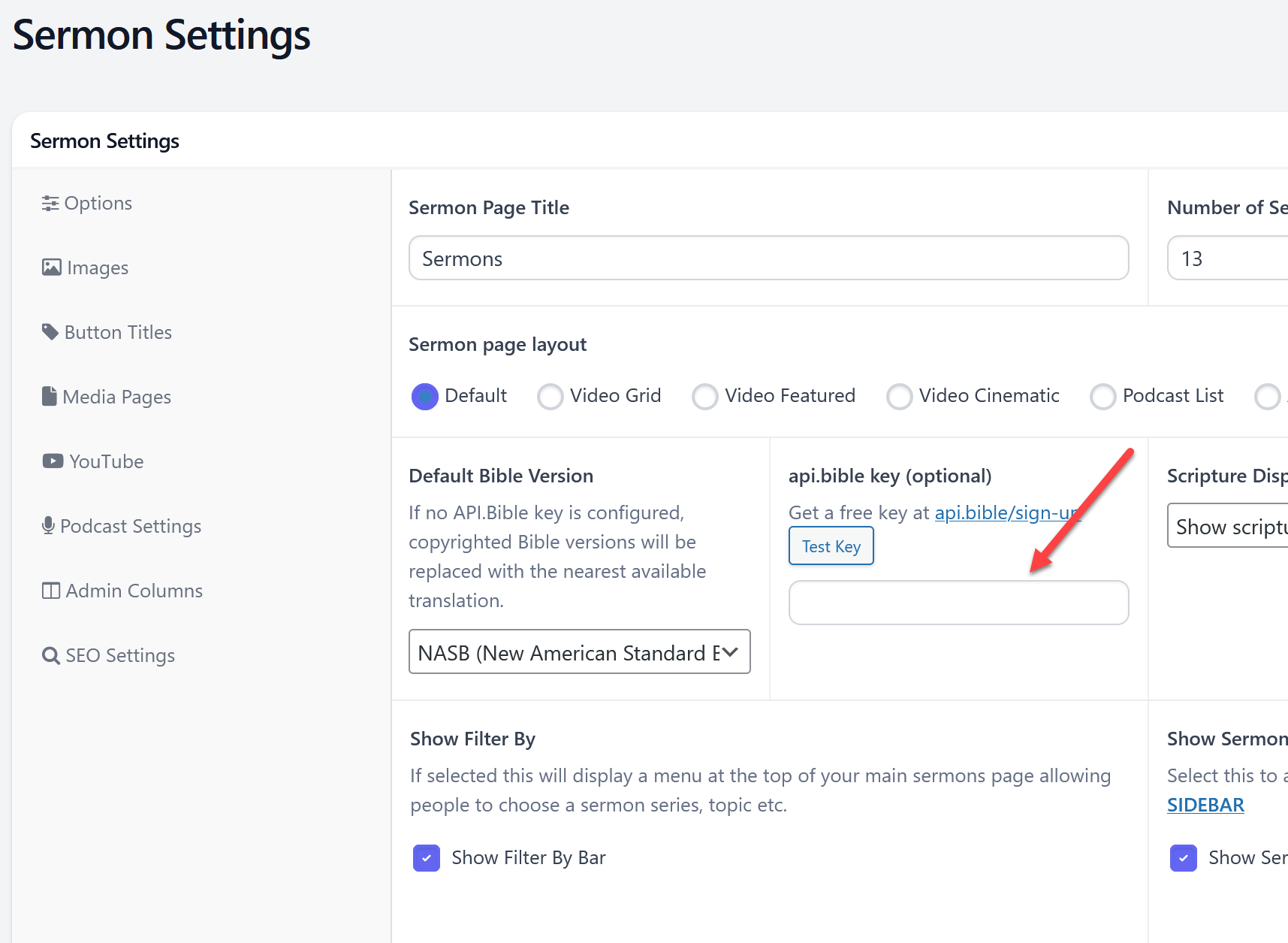
In the admin area go to sermons > sermons settings or from your sermons page settings > sermon settings at the top.
- Paste in the api.bible api key.
- Click the update button on the right.
- Click the Test Key button. This will validate the key and tell you what versions are enabled for your key.
- Change the default bible version to the enabled version.
- Click update again on the right and it's done.
You can now use this version on sermon scriptures, the auto scripture links, bible reader, bible reading plans and verse of the day.

 Add your logo in the admin