Log into the client area to activate giving.
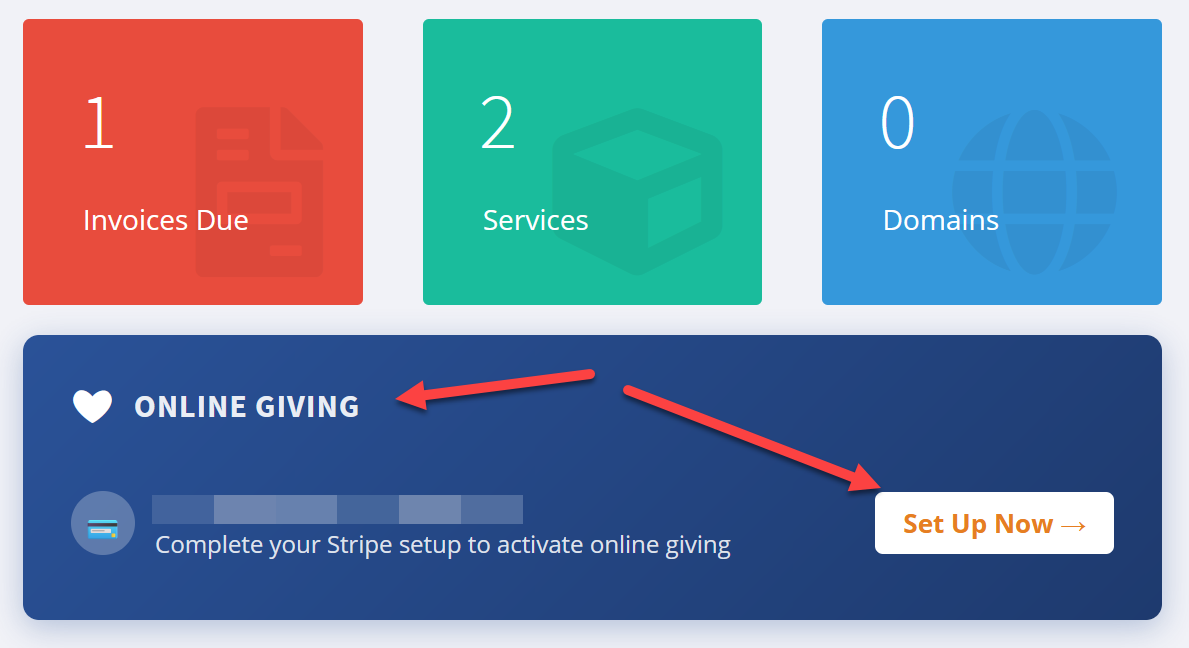
Once you login to the client area you'll see a blue banner that says online giving. Click the setup now button.
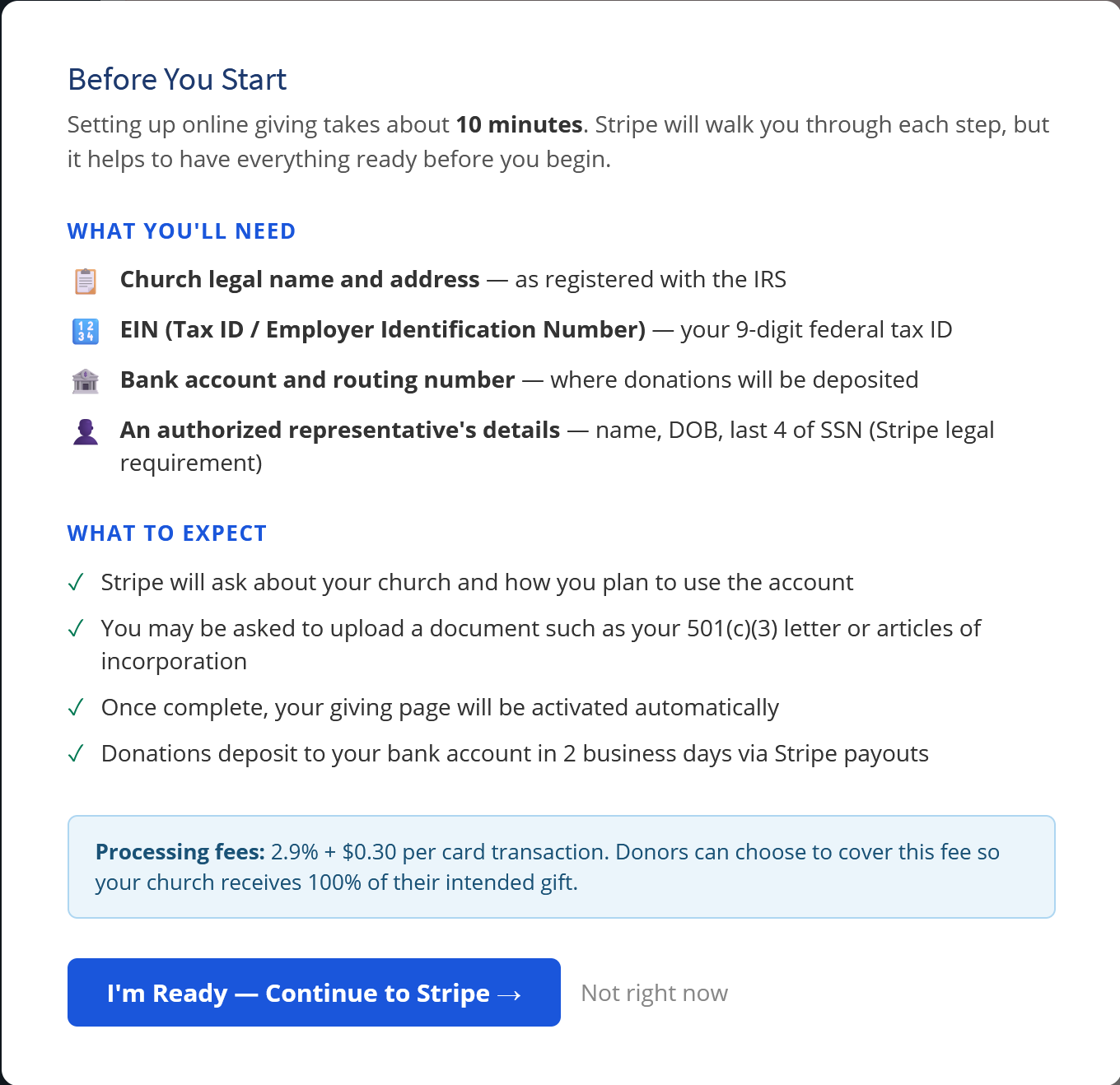
You'll then see this popup that goes over the the information stripe will need so you can gather any needed information before you proceed.
When you are ready click the I'm ready button and you'll be sent to stripe to complete the activation.
Once it's active it'll activate on your site automatically. Contact support if you need anything or have any questions.

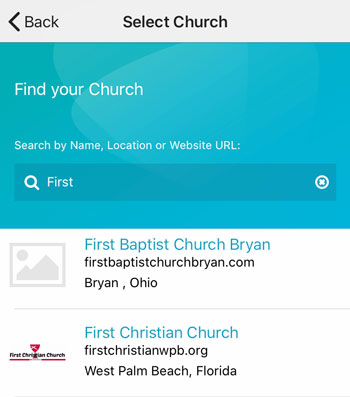 Add your logo in the admin