The transactions page shows all the details about your incoming donations.
Note: You can edit any user and control who has access to online giving in the admin area of the site. So any user that doen't need access to this shouldn't be given access. Set them to an editor or less and uncheck the online giving box to remove access.
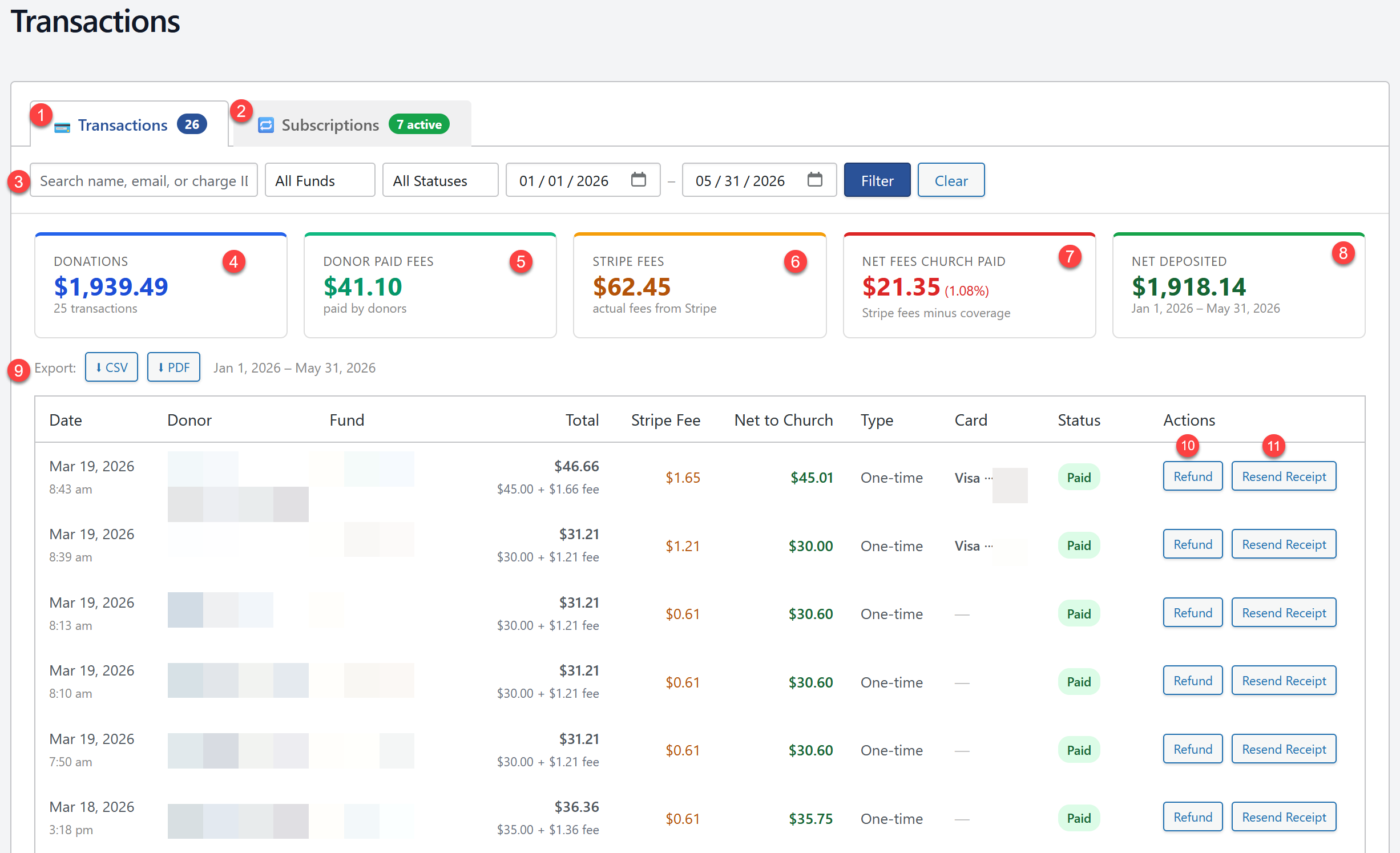
- The transactions tab shows each individual transaction.
- The Subscriptions tab shows weekly and monthly subscriptions. You can also cancel a subscription there if needed.
- The filters allow you to see just the transactions you need. So for example if you need to see just the tithe transactions for last month choose the tythe fund set the start and end date and click filter. You'll see the transactions on the screen and you can use the export options to create reports on the transaction you have selected.
- Donations is the total donations received. For example if someone donated $100 then added $3.30 to pay the transaction fees the $100 donation would be added to the Donations total.
- Donor Paid Fees is a total transactions feed donors have paid. In the example above where $100 was donated and $3.30 was added to pay the fees the $3.30 would add to the Donor Paid Fees total.
- Stripe Fees is the total fees stripe charged for all transactions.
- Net Fees Church paid is total stripe fees less the donor paid fees so this it the total transaction fees the church paid. It also shows the percentage so you can see the total percentage you are paying in fees.
- Net Deposit is the total donations less total fees paid by the church.
- Here you can export a report in CSV or PDF format. This will create a report of the transactions you are currentlly viewing. So you can use the filters to create custom reports.
- Each transaction has a refund option so if you ever need to refund a donation you can do so here with one click.
- Each transaction also has a resent receipt link so you can resend the receipt to the person that donated if they need it.

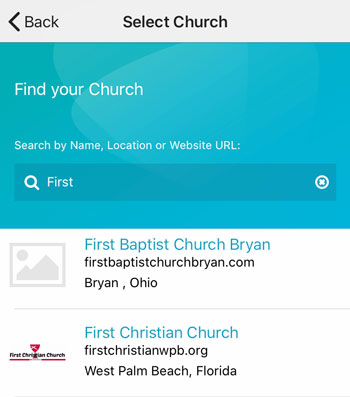 Add your logo in the admin