Organize event volunteers effortlessly. Define the positions you need filled, set the number of volunteers required for each role, and enable online signups with automatic email confirmations sent to volunteers and event coordinators.
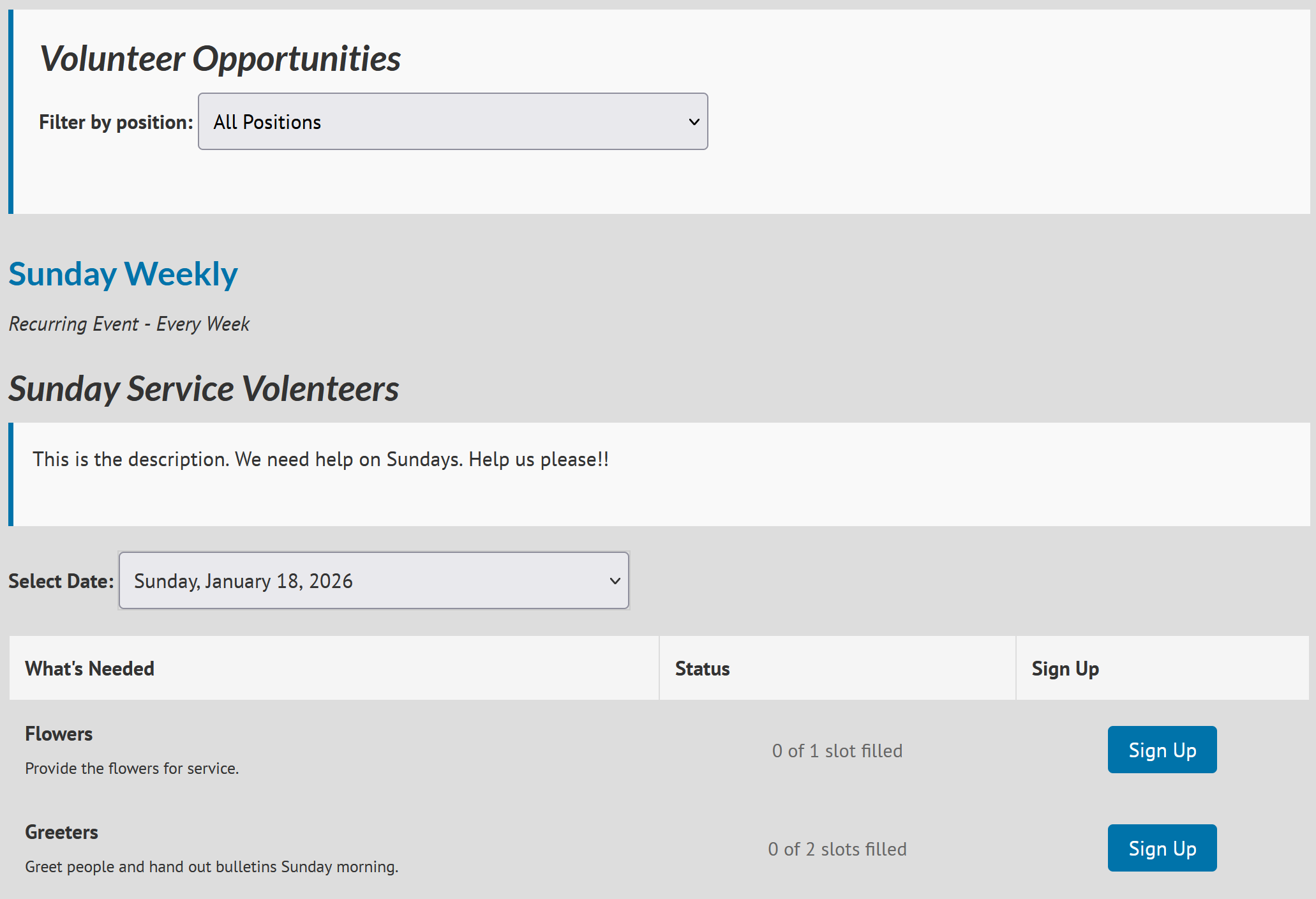
Adding a signup sheet to an event.
Edit your event and go to the Signup Sheets tab. Add a title and optional description for your signup sheet, then review the settings below.
Click "Add Position" to create your first volunteer opportunity. For example, if you need flowers for Sunday service, enter "Flowers" as the position name and add details like "Provide flowers for service. We typically use Bob's Flower Shop and flowers should arrive by 9am." Set the quantity to 1.
To add more positions, hover over the right side of any position and click the + button. Continue adding positions like "Greeters" (quantity: 2) or "Parking Attendants" (quantity: 3).
Note: If this is a recurring event, volunteers can sign up for any date the event occurs on. Each occurrence tracks signups separately, so you can see who's volunteering for which dates.
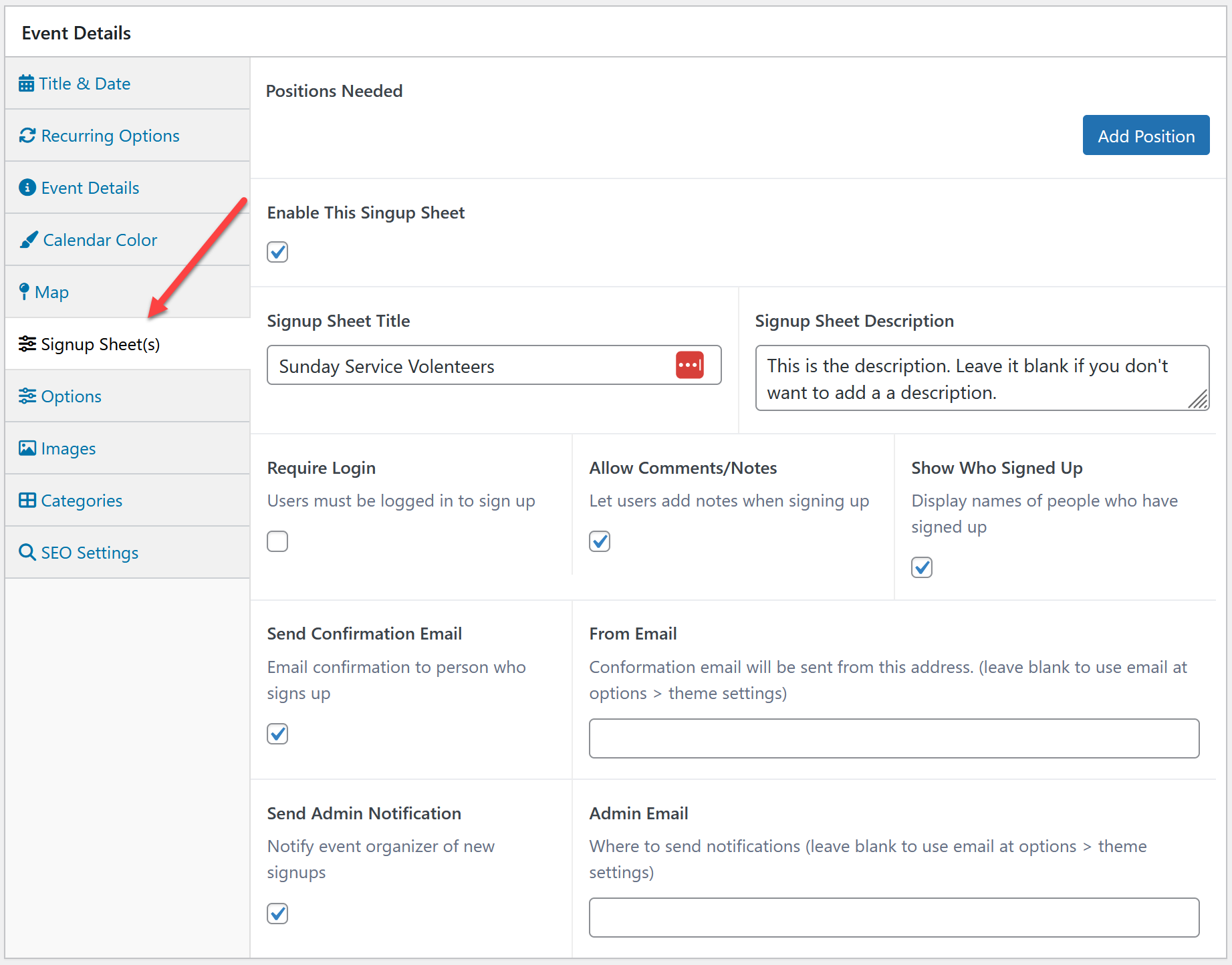
Creating a Volunteers Page
Display the Signup Sheet on Your Site
Add this text to any page or event to display volunteer opportunities (including the opening [ and closing ] ):
[event_signup_sheet]
Examples:
All Events on One Page Create a page titled "Volunteer Opportunities" and add the text above. This displays all volunteer positions from all events in one place.
Single Event Page Add the same text to any event's details section to show only that event's volunteer opportunities on the event's page.
Dedicated Page for a Specific Event For events with many volunteer positions (like VBS), you're able to create a dedicated volunteer page using:
[event_signup_sheet event_id="123"]
Replace 123 with your event's ID. To find the event ID:
- Edit the event in the admin area
- Look at your browser's address bar
- Find something like
post.php?post=5457&action=edit - The number after
post=is your event ID (5457 in this example)

 Add your logo in the admin